
More Output or a Shorter Tool? Choosing Between Makita’s Two Four-Speed Drivers
How this site is written
Dimensions and compatibility depend on the exact fastener, material, tool, and manufacturer. We show the matching logic and name the source; verify the packaging and tool manual before drilling or driving.
XDT21 adds 270 in-lb of maximum torque and 600 IPM; XDT20 is 0.25 inch shorter and has documented Assist and auto-stop modes.
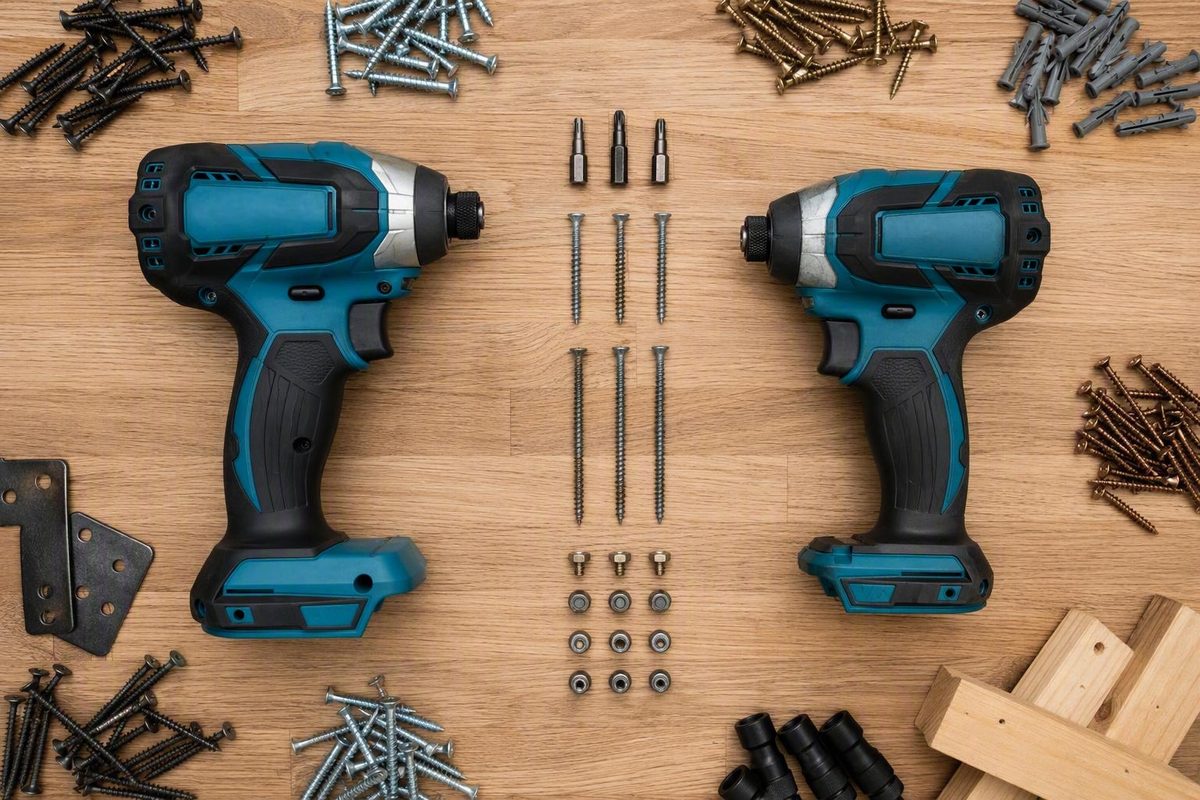
Choose the Makita XDT21 when higher manufacturer-published output is the priority. Makita lists maximums of 1,860 in-lb, 3,700 RPM, and 4,400 IPM for the XDT21Z, with an overall length of 4.75 inches (Makita XDT21Z product listing).
Choose—or keep—the Makita XDT20 when shorter overall length and its established assisted-driving controls better fit the work. Makita lists the XDT20Z at 1,590 in-lb, 3,600 RPM, 3,800 IPM, and 4.5 inches long (Makita XDT20Z product listing). Relative to those ratings, the XDT21 adds 270 in-lb of maximum torque, 100 maximum RPM, and 600 maximum IPM while increasing overall length by 0.25 inch.
Existing XDT20 owners have little reason to replace a tool that already completes their normal fastening work without repeated stalls or costly delays. This is a specification-led comparison, not a hands-on XDT21 test.
Verdict: XDT21 for higher published output, XDT20 for a proven compact setup
There is no universal winner in the Makita XDT21 vs XDT20 impact driver comparison.
For a new buyer who regularly drives demanding or long fasteners, the XDT21 is the stronger candidate. Its torque and impact-rate ratings rise more substantially than its maximum rotational speed, making it the output-oriented option of the two. That does not establish how much time it will save on a particular fastener.
The XDT20 remains credible for confined access and jobs where controlled starts or specialized modes matter more than the largest output figure. Its documentation identifies Assist Mode for controlled screw starts, two tightening modes for self-drilling screws, and reverse auto-stop for removal work.
It also notes that the controls may be more complex than some users prefer and that its torque trails some competing flagship tools. Those observations apply only to the XDT20 and do not establish an ergonomic or real-world performance advantage over the XDT21.
For an existing XDT20 owner, the practical question is whether the current tool creates a repeatable problem:
- Does it stall on a fastener used regularly?
- Does a recurring job take unacceptably long?
- Is the tool routinely used at its highest setting with too little reserve?
- Would the XDT21’s longer overall length still fit the working space?
If the answer is no, keep the XDT20. Larger maximum ratings alone do not establish enough improvement to justify replacing a capable tool.
XDT21 vs XDT20 specifications: what actually changed
Both models are four-speed impact drivers in Makita’s 18V LXT system. The XDT21 should not be described as an XGT tool: although the press-release URL contains “XGT,” the release itself and the product listing identify the XDT21 as an 18V LXT model.
| Attribute | XDT21Z | XDT20Z | Evidence status |
|---|---|---|---|
| Platform | 18V LXT | 18V LXT | Official specifications |
| Maximum torque | 1,860 in-lb | 1,590 in-lb | Official specifications |
| Four speed ranges | 0–1,100; 0–2,100; 0–3,200; 0–3,700 RPM | 0–1,100; 0–2,100; 0–3,200; 0–3,600 RPM | Official specifications |
| Maximum impact rate | 4,400 IPM | 3,800 IPM | Official specifications |
| Overall length | 4.75 in. | 4.5 in. | Official specifications |
| Quick-Shift functionality | Listed | Listed | Manufacturer positioning |
| Documented assisted modes | T-mode for self-drilling screws in thin-gauge metal | Assist Mode, two self-drilling-screw modes, reverse auto-stop | Official listings; complete XDT21 controls require manual verification |
| Listing type | Tool only | Tool only | Verify suffix and package contents |
Based on the official figures, the XDT21 increases maximum torque by about 17%, maximum RPM by about 3%, and maximum IPM by about 16%. It is also 0.25 inch longer overall.
The first three selectable speed ranges remain unchanged at 1,100, 2,100, and 3,200 RPM. Only the fourth range increases, from 3,600 to 3,700 RPM. The XDT21 therefore should not be described as substantially faster at every selectable speed merely because its top rating is higher.
The cited “Z” configurations are tool-only listings. Retailers may sell other suffixes or bundles, so compare the exact package contents before comparing prices. Check whether each offer includes a battery, charger, case or bag, belt hook, or other accessories. A bare tool and a kit are not equivalent purchases.
No XDT21 weight is included in this comparison because the available figures do not provide a consistent bare-tool or battery-equipped basis. A battery-equipped figure is not useful unless the battery model is also identified.
What the extra torque and impacts can—and cannot—tell you
The XDT21 is clearly the higher-output model on Makita’s published maximum ratings. Its torque and maximum impact rate increase much more, proportionally, than its maximum RPM.
That makes the XDT21 the logical candidate when a recurring application exposes the XDT20’s output limit. It does not prove that every screw will finish 17% faster or that completed fasteners per charge will rise by a similar percentage.
Maximum ratings do not establish:
- Completion time for a particular fastening cycle
- Sustained performance as the tool and battery warm
- Runtime per charge
- Trigger response at low speed
- Vibration or noise
- Durability under repeated high-load use
- Consistency of the completed joint
Makita describes the XDT21 as its highest-torque LXT impact driver and claims approximately 20% more power than previous models. The announcement does not identify the comparison model, battery, test procedure, fastener, material, mode, or operating conditions behind that percentage. It should be treated as manufacturer positioning rather than a verified XDT21-versus-XDT20 result in a defined workload (Makita XDT21 announcement).
The published maximums also do not establish whether both models were tested under directly comparable procedures. They are useful for understanding Makita’s product positioning, but they cannot replace a matched driving test.
Independent coverage is uneven. The Pro Tool Reviews assessment of the XDT20 praises its driving speed, balance, compactness, and configurability while identifying control complexity and comparatively modest torque as potential drawbacks.
Driving modes: match the control to the fastener
Both official product listings identify four-speed operation and Quick-Shift functionality, but the complete control sets are not documented in equal detail.
The XDT20’s Assist Mode starts at a lower speed and increases speed as the impact mechanism engages. Its intended purpose is to reduce cam-out and cross-threading during screw starts. That can be useful where poor alignment at the beginning of the drive could damage the fastener or workpiece.
The XDT20 also has two documented tightening modes for self-drilling screws. T-1 is identified for thin metal and T-2 for thicker metal. Its reverse Bolt Mode stops rotation after the tool senses that a fastener has broken loose.
The available XDT21 listing confirms a T-mode for self-drilling screws in thin-gauge metal. It does not provide enough information to conclude that the XDT21 removed Assist Mode, a second T-mode, reverse auto-stop, programmable shortcuts, or lighting controls. Omission from a product-page summary is not proof that a feature is absent; consult the current XDT21 manual for its complete control set.
| Task | Control approach | What to check |
|---|---|---|
| Starting ordinary screws | Use a controlled start; XDT20 Assist Mode is documented for this purpose | Bit fit, alignment, substrate, and pilot hole |
| Self-drilling screws in thin metal | Use the documented thin-metal T-mode | Screw type, sheet thickness, and manufacturer directions |
| Self-drilling screws in thicker metal | XDT20 T-2 is the documented option | Do not assume XDT21 mode parity without checking its manual |
| Removing fasteners | XDT20 reverse auto-stop is documented for this work | Confirm the selected direction and removal setup |
| Damage-prone work | Select a lower standard speed instead of maximum output | Stop when the fastener and joint are seated |
Before driving, confirm the fastener, bit, substrate, material thickness, selected mode, and instructions from the tool and fastener manufacturers.
Works when, fails when: choose around the actual job
The better impact driver depends on where the fastening process is failing. More output helps when insufficient output is genuinely the constraint. It does not correct every bit-fit, alignment, fastener, or material-preparation problem.
| Workload | Likely better fit | Reason | Limitation |
|---|---|---|---|
| Frequent long or demanding fasteners | XDT21 | Higher published torque and impact rate | No matched test establishes the time saved |
| Cabinets, framing pockets, or confined equipment | XDT20 | Shorter official overall length | Lower published maximum output |
| Existing XDT20 completes normal work reliably | Keep XDT20 | Avoids replacing a capable, configurable tool | Reconsider if repeated stalls or delays appear |
| Self-drilling screws in sheet metal | Depends on documented mode | Mode and metal thickness matter more than maximum torque | Complete XDT21 mode parity is not established |
| Ordinary screws prone to cam-out or cross-threading | XDT20 | Its slow-start Assist Mode is documented for this task | Correct bit fit and alignment remain necessary |
| Brass, brittle, decorative, or damage-prone fasteners | Neither by default | Controlled installation matters more than maximum output | Follow fastener-specific installation instructions |
For demanding fasteners, the XDT21 is the output-oriented candidate, not a guaranteed faster finisher. A recurring fastener that stalls the XDT20 may provide a practical reason to consider the higher-output model. A fastener that already seats quickly and cleanly may show little meaningful benefit.
For confined access, the XDT20’s shorter overall length is a physical advantage. The difference may be irrelevant on an open bench but consequential when the driver must remain square to a fastener inside cabinetry, between framing members, or around installed equipment.
For self-drilling metal screws, prioritize the documented mode for the relevant material thickness. Do not assume that selecting maximum speed or torque is preferable to following the screw and tool manufacturers’ directions.
Higher torque is not automatically beneficial for brass or other damage-prone fasteners. B Power Tools’ brass-screw installation guidance advises against using an impact driver on brass screws and recommends preparing the hole before completing installation with control.
Whatever the application, stop when the fastener and joint are properly seated. Additional trigger time is not automatically a more secure connection.
What to verify before spending money
Use this checklist before treating the XDT21’s larger specifications as a reason to buy:
-
Compare equivalent configurations. Compare bare tool with bare tool or kit with kit. Do not treat an older review price as a current offer.
-
Verify the complete model number. Confirm the suffix as well as the base model because similar product names can represent different packages.
-
Read the package list. Check for the battery, battery capacity, charger, case or bag, belt hook, and other included accessories.
-
Confirm the XDT21’s complete mode set. Use the current manual rather than assuming that a feature omitted from a product-page summary has been removed.
-
Check the basis of any weight claim. Determine whether the figure covers the bare tool or a battery-equipped configuration, and identify the battery model before comparing weights.
-
Look for a matched driving test. The most useful comparison would put both tools through the same fastener and material using the same bit, battery model, selected mode, and state of charge.
-
Treat comfort and endurance as unresolved. The published specifications do not establish a winner for runtime, heat, vibration, noise, trigger response, or long-term durability.
-
Define the problem the purchase must solve. Repeated XDT20 stalls, unacceptable delays in recurring work, or insufficient output reserve make a stronger upgrade case than a larger torque number alone.
The practical rule is simple: buy the XDT21 for a documented need for more published output; keep or choose the XDT20 when its shorter overall length and established controls solve the job better.